

A useful data security strategy explains what your business needs to protect, who is responsible and how you will check that the controls work. Start with the information and systems your people need to serve customers and keep operating.
Reviewed 23 October 2026.
Know where important information is stored
Map the systems holding customer records, financial information, operational files and administrator credentials. Include cloud applications, shared folders, laptops, mobile devices and copies held by suppliers.
Identify an owner for each important system. Ask what would happen if its data were unavailable, changed without permission or disclosed. Those answers help decide which improvements matter most.
Control access throughout the working relationship
Give people the access their work requires and review it when roles change. Include supplier accounts and administrator privileges. Remove access through an agreed leaver process and review accounts that no longer have a clear owner.
Use appropriate account protection and a controlled recovery process. Our guide to two-factor authentication, MFA and passkeys explains the sign-in choices and rollout checks.
Use encryption for the risks it addresses
Encryption helps protect information from being read without the appropriate key. Consider both stored information and information moving between systems, with secure management of the keys and recovery access.
Encryption does not itself identify suspicious activity or replace access controls. For example, an authorised account may still be able to open encrypted files. Monitoring access and investigating unusual activity are separate responsibilities.
The NCSC data security guidance explains the relationship between access, encryption, monitoring and recovery.
Keep systems supported and changes controlled
Maintain an accurate device and application inventory. Assign responsibility for updates, configuration changes and exceptions that cannot be resolved immediately. Include the systems managed by external suppliers.
Check completed work rather than relying only on a scheduled task or a dashboard summary. Security reviews and testing can help identify weaknesses and check important remediation.
Make recovery part of the plan
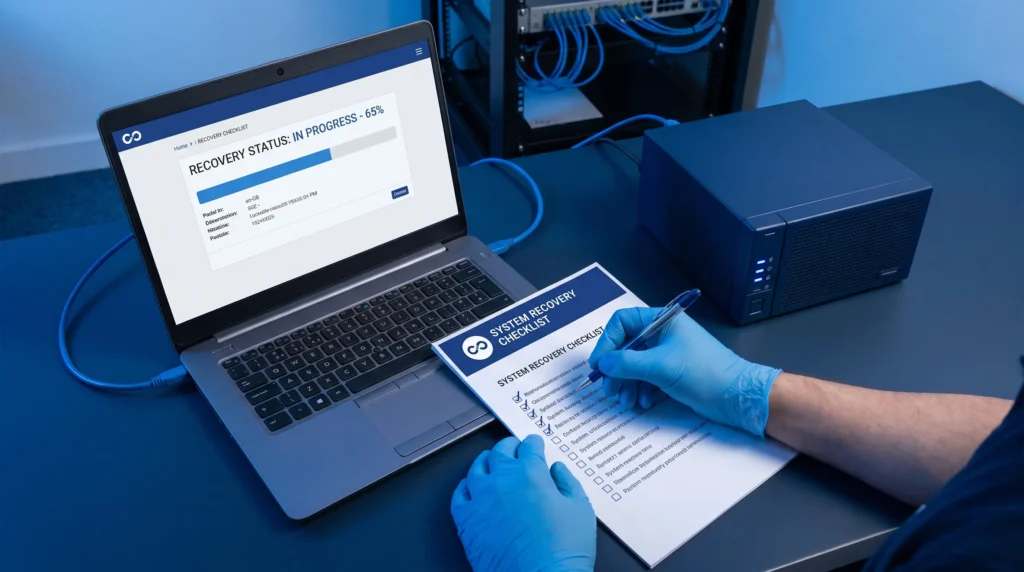
Agree which data and systems you need to recover, how far back you may need to go and which services must return first. Protect recovery copies and the accounts used to administer them.
Test that authorised staff can recover usable information when normal systems are unavailable. Record the time taken, the dependencies and any work needed before the next test. Review these requirements through our backup and disaster recovery service.
For an example of support and communication during an outage, read the AMSBIO case study.
Report progress with named owners
Keep a short action register showing the issue, owner, agreed date and evidence of completion. Useful measures include overdue access reviews, unresolved update exceptions, completed fixes and the results of restore tests.
A regular review should make the next decision clear: what has improved, what remains exposed and what needs time or budget. Revisit the plan after changes to your systems, suppliers or ways of working.
Use the NCSC small organisations guide as a starting reference. For help putting the work into practice, discuss managed IT support or support alongside your internal team with CIS.