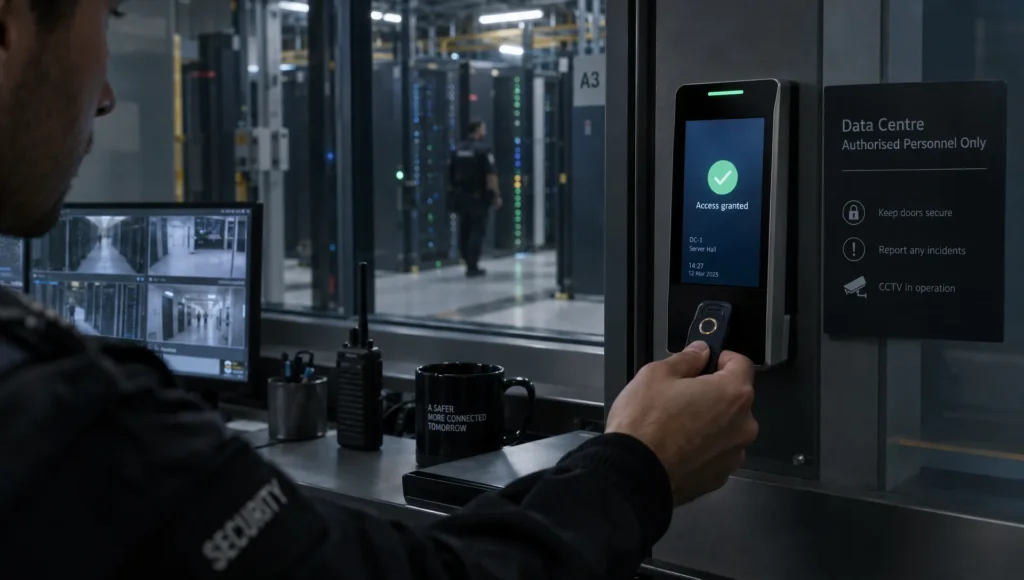
A laptop does not become less valuable to an attacker when it leaves the office. Yet it may lose some of the protection provided by the office network. With cloud based security, businesses can apply security policies to devices, users and applications wherever staff work, rather than relying solely on traffic passing through a company firewall.
For UK SMEs, the practical question is what stays protected at home, on a train or in a client’s building, and what still needs separate attention.
Why office-only protection leaves a gap
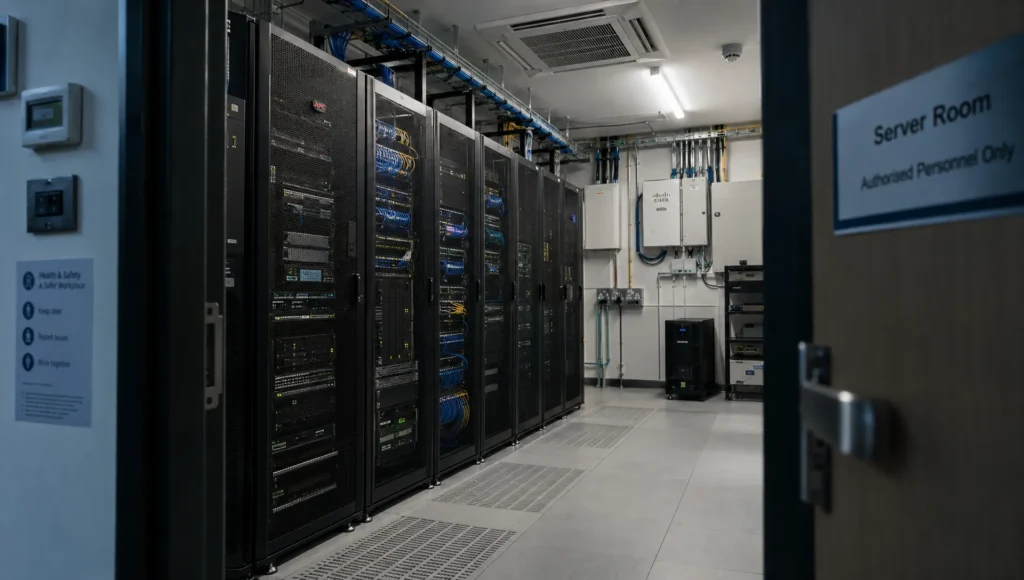
An office firewall can inspect traffic that passes through it. A laptop connecting directly from home to Microsoft 365 may never use that firewall, so its rules cannot protect that connection.
Routing everything through a virtual private network (VPN) can restore some network controls, but a VPN alone does not establish whether a laptop is patched, an account has been compromised or a downloaded file is malicious. A secure connection and a secure device are different things.
Remote protection therefore needs several layers: controls on the device, checks on the person signing in and restrictions around the applications and data they use.
These layers address the wider risks of remote working, but they need to operate together. Buying separate tools without agreeing who maintains them can leave gaps that are difficult to spot until something goes wrong.
How cloud based security follows the device
Here, the term means security services managed or delivered through cloud infrastructure. Depending on the service, these can distribute policies, assess sign-ins, filter internet traffic and collect alerts from laptops and phones outside the office.
That is different from securing resources hosted in the cloud, such as protecting a virtual server or configuring file-sharing permissions. Businesses usually need both. An SME might use public-cloud applications such as Microsoft 365 alongside an on-site server, creating a hybrid environment with several places to protect.
A typical remote-device arrangement has three parts: software or management settings on the device, a cloud service that evaluates activity and a management console used by the IT team. Not every product includes all three, and some controls only work with supported applications.
The important outcome is that changing location does not remove the agreed security policy. A managed laptop should remain identifiable and accountable whether it connects from the office or elsewhere.
Check identity and device health before granting access
The strongest use of cloud based security is often at the point where someone requests access to business information. Instead of accepting a password alone, the system can check the user’s identity and, where supported, whether their device meets company requirements.
This is commonly called conditional access. A business could require a managed, encrypted laptop for sensitive files while allowing more restricted access from a personal device. Such rules depend on the identity platform, available licences and device enrolment.
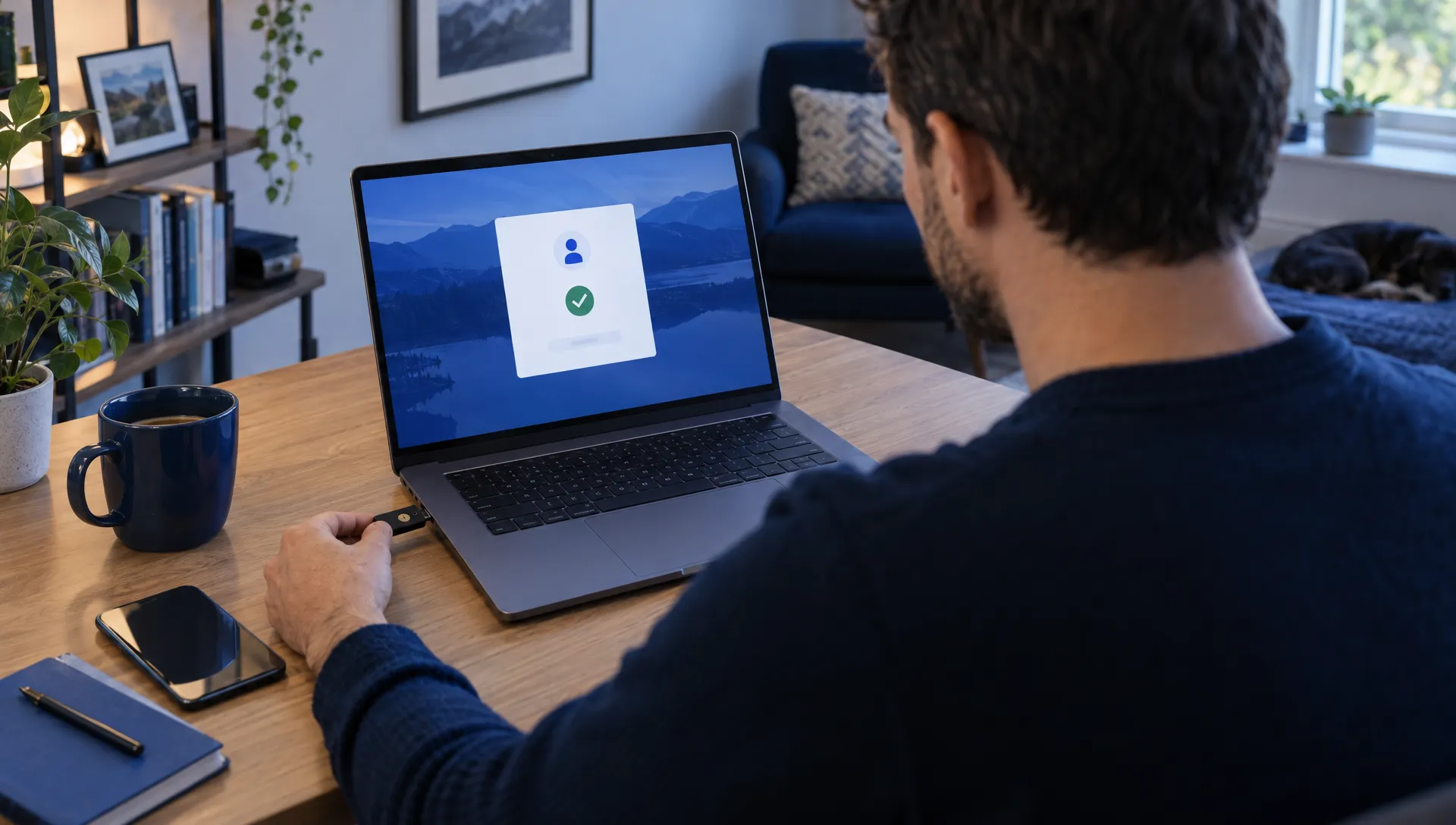
Multi-factor authentication (MFA) adds another check. Phishing-resistant methods, such as supported passkeys or security keys, can reduce the risk of a fraudulent website capturing reusable sign-in credentials.
However, checking a sign-in is not the same as securing every subsequent action. Stolen session tokens can sometimes bypass a fresh login, so businesses also need session controls, appropriate access permissions and a process for revoking access. These are practical applications of zero trust: access is assessed rather than granted simply because someone appears to be on a trusted network.
Keep protection on the laptop itself
A remote device still needs local protection. Endpoint detection and response (EDR) can monitor suspicious behaviour and give an IT team tools to investigate affected machines. Some products can isolate a device from most network communication, although this depends on the product and its configuration.
For cloud based security to work reliably, the endpoint software must remain installed, healthy and able to communicate with its management service. A dashboard showing that a laptop was protected last month is not evidence that it is protected today.
Device management provides a different, complementary function. Mobile device management can help enforce supported settings, manage updates and maintain an inventory. It does not automatically provide the same threat detection as an endpoint security product.
Full-disk encryption also matters. It helps protect stored information if a powered-off laptop is lost or stolen, provided its keys are properly protected. It does not stop an attacker reading files through an already compromised, signed-in account.
Control web traffic and business data
Cloud-delivered web filtering can block known malicious destinations even when a laptop is away from the company network. A secure web gateway may also enforce browsing policies, provided the relevant traffic actually passes through the service.
Email protection addresses another route into the business by checking messages, links or attachments. Neither web nor email filtering catches every threat, so staff still need a straightforward way to report suspicious activity.
Data controls should match the sensitivity of the information. For example, a business might restrict downloads to unmanaged devices or prevent confidential documents being shared through public links. These capabilities vary by application and subscription.
Used together, cloud based security controls can reduce exposure without giving every employee unrestricted access to the entire network. Access to a specific application is often more appropriate than broad connectivity, especially for contractors or occasional remote users.
Plan for unreliable connections and offline work
Cloud-managed does not mean every protection stops when the internet disconnects. Some endpoint products retain local detection, previously received policies and offline protection. Other functions, such as receiving new instructions or sending alerts, require connectivity.
Ask what happens when a laptop stays offline for several days. Can staff open cached files? Which protections remain active? When will the IT team notice that the device has stopped reporting?
Remote wipe also has limits. A device usually needs to reconnect before it can receive the instruction, and wiping it cannot retrieve information already copied elsewhere.
Connectivity provision is a separate decision. For businesses supporting staff in the Netherlands, VitrumNet’s regional fibre network is an example of local connectivity infrastructure. The connection provides access; device and identity controls determine how safely business resources can be used over it. The same distinction applies to UK home broadband and mobile connections.
Check the coverage, not just the product name
Before adding another subscription, establish which devices and accounts your existing cloud based security arrangements actually cover. Start with an inventory, including spare laptops, personal phones used for email and devices assigned to leavers.
Then ask for evidence rather than a list of enabled features. A control may exist in a product but remain unconfigured, apply only to some users or depend on an expired licence.
| Area to check | Evidence to request | Gap it can reveal |
|---|---|---|
| Device coverage | Inventory matched against security and management records | Laptops missing protection or no longer reporting |
| Access rules | A controlled test from an unmanaged or non-compliant device | Policies that do not block the intended access |
| Updates and encryption | Current compliance reports with exceptions explained | Devices that appear enrolled but remain vulnerable |
| Web and email protection | Confirmation of covered traffic, users and applications | Connections that bypass filtering |
| Alerts and response | Named owners, escalation routes and agreed response coverage | Alerts being collected without anyone acting on them |
| Leaver access | Evidence of account disablement, session revocation and device handling | Access that survives an employee’s departure |
Exceptions deserve particular attention. A temporary exclusion for a senior employee or a legacy application can quietly become permanent. Record the reason, owner and review date so the business knows which risks it has accepted.
Keep recovery separate from prevention
Blocking an attack and recovering from one are different jobs. Even a well-managed environment needs a recovery plan for accidental deletion, device failure, compromised accounts and ransomware.
File synchronisation is not the same as backup. If changes or deletions synchronise across devices, an unwanted change may spread too. A cloud application’s retention or version-history features may help, but their scope and time limits need checking.
Do not assume cloud based security includes recovery of every file, mailbox or application setting. Confirm what is backed up, how long copies are retained and whether a compromised administrator could alter or delete them.
A useful test is to restore a small, representative set of business data into a safe location. Check that it is complete, readable and available within the time the business can tolerate. Record who can authorise a restore and how they will access the recovery service if the normal company account is unavailable.
Protected backup copies and restricted administrative access can help prevent the same incident from affecting both live data and recovery options.
Agree responsibilities and check UK data obligations
Responsibility is shared, but the dividing line varies by service. A provider may secure its underlying infrastructure while the customer remains responsible for user permissions, device configuration and data handling. A managed service agreement may delegate some of those tasks, but it should name them explicitly.
For an SME, the essential question is who notices a problem and who acts. Agree responsibility for enrolling devices, reviewing alerts, approving exceptions and removing access when someone leaves. Also establish the response arrangements outside normal working hours.
When assessing cloud based security, include data protection questions alongside technical ones. UK GDPR responsibilities do not disappear because a supplier processes information on your behalf. Check contractual roles, sub-processors, retention arrangements and support for handling incidents.
Ask where data is stored and from where it can be accessed. UK hosting alone does not answer every international transfer question; the ICO’s guidance on international transfers explains the relevant considerations.
For personal devices, define what the business can monitor or remove and explain this to staff. Selective removal of company information may be more appropriate than a full-device wipe, where supported. CIS’s guidance on protecting data when working from home provides further context for remote-working policies.
Frequently asked questions
Does this replace a VPN? Sometimes, for particular applications. Identity-aware application access can reduce the need for broad network access, but some older systems still require a VPN. Assess the application rather than assuming one approach replaces everything.
Can employees use personal laptops? They can where your policy permits it, but the available protection and visibility may be more limited. For sensitive work, a company-managed device is often easier to control consistently. Restrict access if a personal device cannot meet the required standard.
Is cloud based security enough on its own? No. It needs appropriate configuration, local device protection, staff awareness and someone responsible for responding to alerts. Backup and tested recovery remain separate requirements.
What should an SME check first? Confirm which devices access business data, whether MFA is enforced and who handles security alerts. Investigate unknown or unprotected devices before adding more products.
Review protection beyond the office
CIS provides managed IT support, cyber security, cloud services and backup and recovery planning for UK organisations. If your team works across office and remote locations, speak to CIS about reviewing device coverage, access controls and recovery arrangements together, so responsibilities and gaps are clear.