
Reviewed and updated on 20 October 2026.
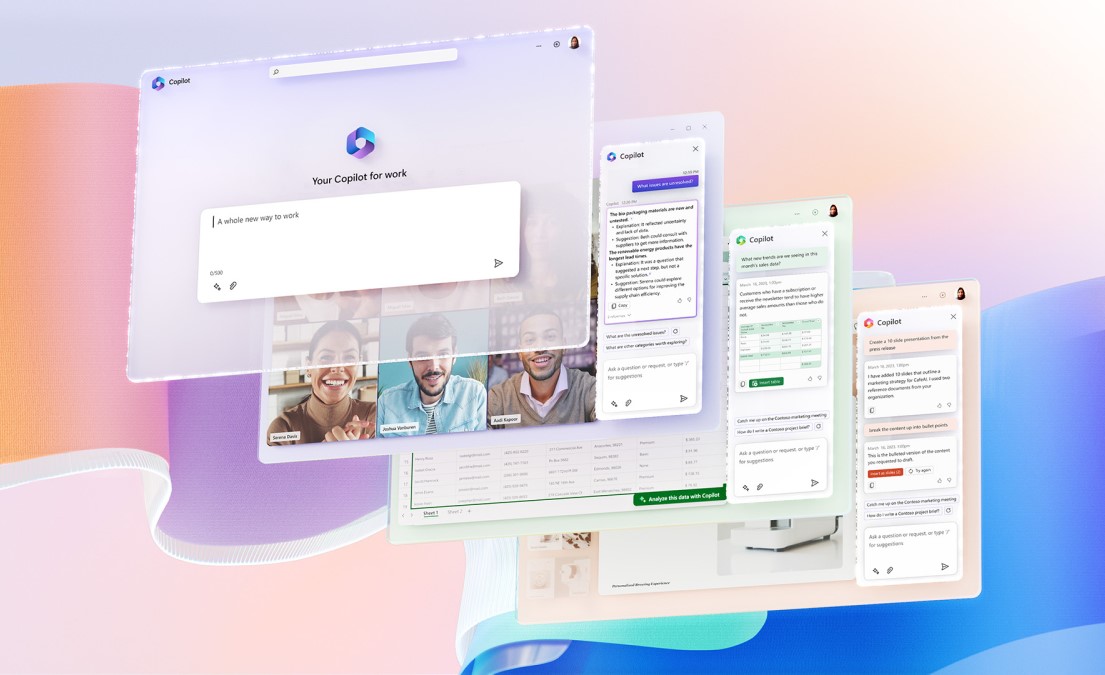
Microsoft 365 Copilot brings AI assistance into familiar work applications. Depending on your licence and configuration, it can help draft documents, summarise information, work with spreadsheets and prepare meeting follow-ups.
Start with a task, then assess the result
A useful trial might ask Copilot to prepare a first draft from approved notes, summarise a long email discussion or suggest actions from a meeting. The value depends on the quality of the source material and the time needed to check and improve the output.
Staff remain responsible for what they send, publish or use to make decisions. Check facts, calculations, dates and commitments. An answer that reads confidently can still be wrong.
Review access before rollout
Microsoft explains that Copilot works within the signed-in user’s permissions. That makes existing file permissions important: information shared too widely may become easier to find.
Review shared folders, Teams membership, SharePoint permissions and external access. Check how sensitive information is labelled and which connected agents or applications are allowed.
Check the licence and the intended use
Microsoft offers different Copilot experiences and licensing options. Confirm the exact applications, organisational data access and features included before purchasing. A general chat experience and an assistant working with your organisation’s data may have different capabilities.
Run a small, measurable pilot
- Choose a few recurring tasks with clear owners.
- Use approved information and document the checking process.
- Measure time saved after review, not just time spent generating a draft.
- Record errors, training needs and any access problems.
CIS can help review your Microsoft 365 environment and the access, support and rollout work needed for a practical pilot.