
Reviewed and updated on 20 October 2026.
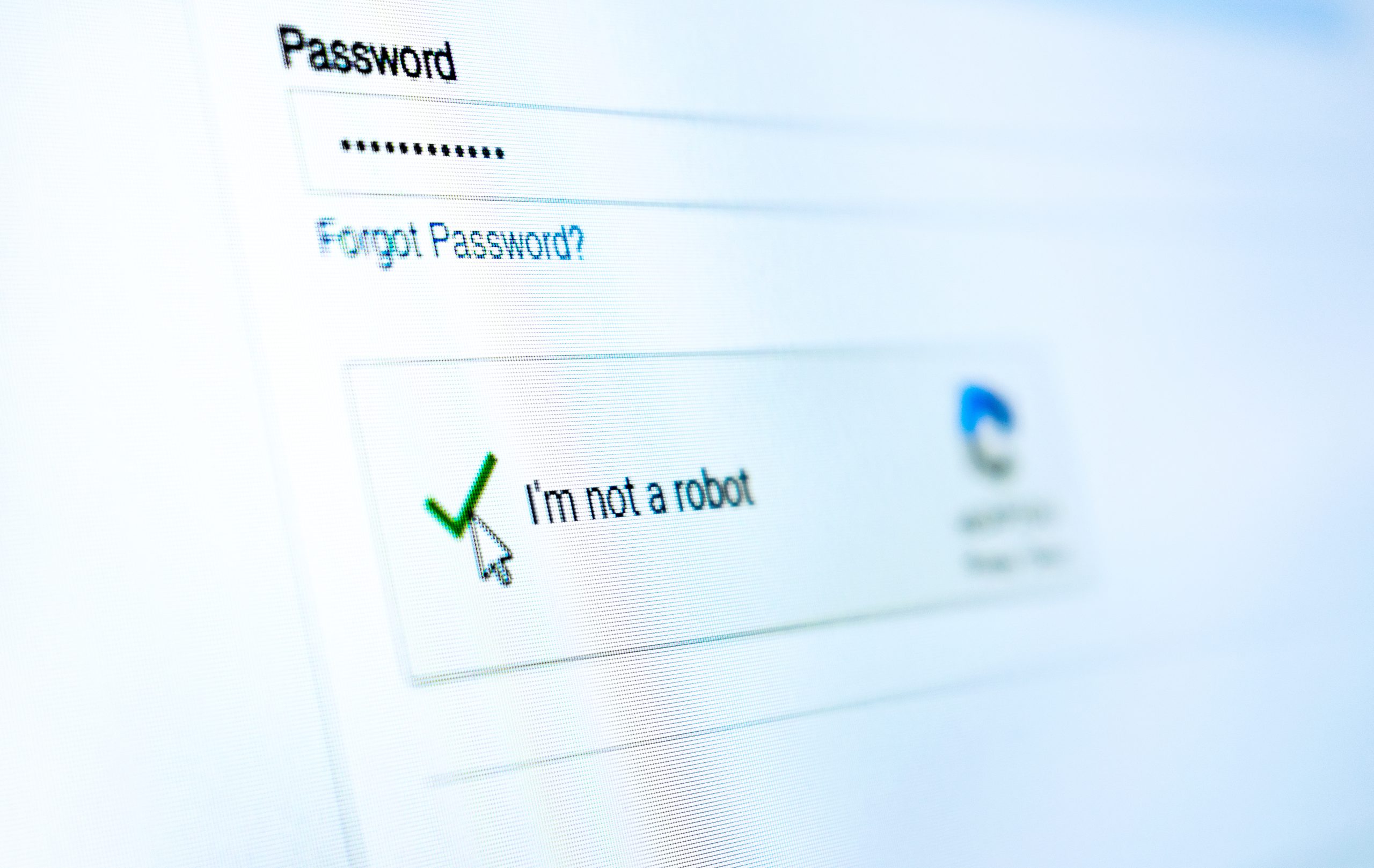
A page asks you to prove you are human, then tells you to open a command window and paste something into it. Stop there. A normal CAPTCHA does not need you to run commands on your computer.
What is ClickFix?
ClickFix is a social engineering technique that persuades someone to run a malicious command themselves. The prompt may look like a CAPTCHA, a browser error or an instruction to fix a problem. Microsoft has documented campaigns using fake Booking.com messages and other convincing-looking pages.
The warning sign to remember
Be suspicious when a website asks you to leave the browser, open Run, PowerShell or Terminal, and paste a command. A page may have placed text on the clipboard without clearly showing what it does. Following its instructions can install malware or expose account information.
A familiar logo or an HTTPS address does not prove that the instructions are safe. Compromised websites and convincing imitations can both be used in attacks.
What staff should do
- Do not paste or run the command.
- Close the suspicious page and report it through your normal IT reporting route.
- If you need the service, open it through a known bookmark or trusted application.
- If you already followed the instructions, contact IT immediately and explain what you did. Follow their containment instructions.
What businesses should check
Include fake verification prompts in staff awareness training. Keep browsers and devices updated, review unnecessary administrator access and make sure security alerts reach someone who can act.
Microsoft’s ClickFix analysis explains the technique in more detail. CIS can help review these controls through our cyber security services.